

Drag and Drop Questions: Types, Benefits & How to Build
Drag and drop questions let learners show what they know by moving things, not just clicking them. After years of building quizzes for classrooms and corporate training, I’ve watched a flat multiple-choice test turn into something students actually want to finish.
That shift matters because passive recall reading four options and guessing rarely proves real understanding. This guide walks through the interactive question types, the instructional design elements, and the exact steps to build a drag-and-drop quiz that holds up in a real course.
What Are Drag and Drop Questions?
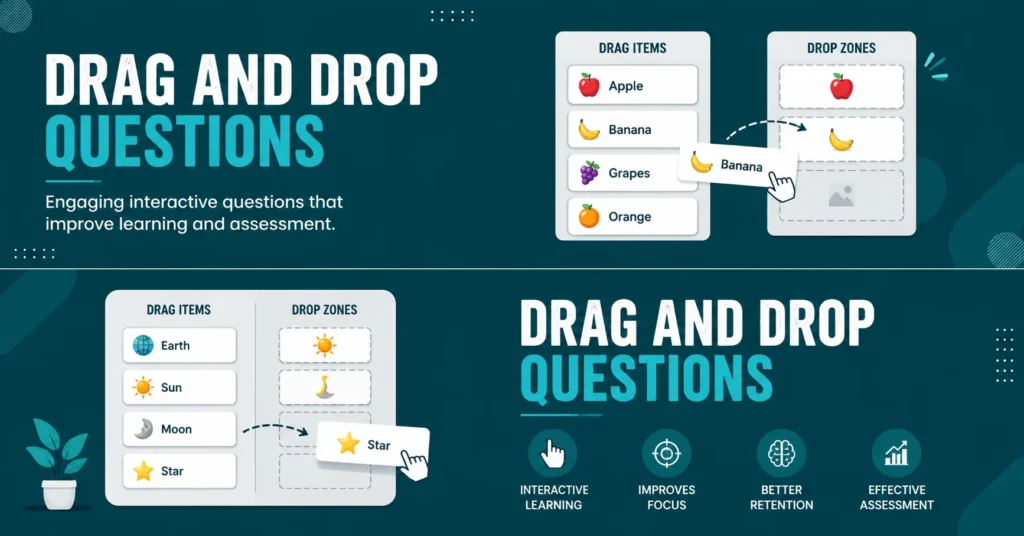
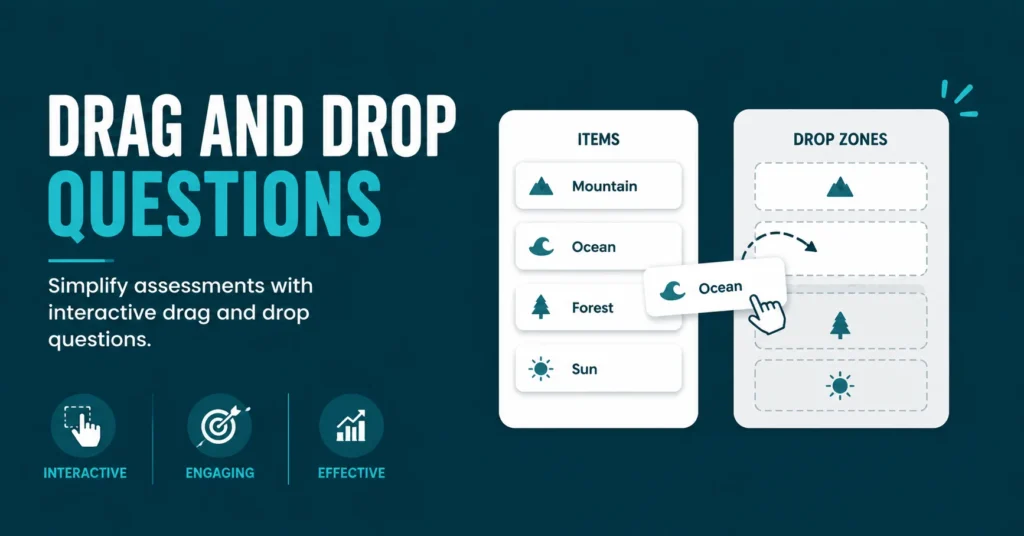
Drag and drop questions are an interactive question type where learners move draggable objects text, icons, or images into a drop zone or drop target to answer. Instead of selecting from multiple choice, they physically arrange, match, or sort the correct answer.
This format consists of three working parts: the draggable objects, the target areas, and the feedback logic that checks each placement. That structure is what separates it from a simple click-based quiz question and makes it useful for testing spatial or process-based understanding.
Types of Drag and Drop Questions
The two most common formats are drag-and-drop text and drag-and-drop matching. Drag-and-drop text works like a fill-in-the-blank question, where learners drag the correct word or phrase into a gap in a sentence, useful for vocabulary and language learning contexts.
Drag-and-drop matching instead asks learners to connect two related lists a term and its definition, a country and its capital by dragging one column onto the other. Some quiz makers also support ordering, where learners arrange items into a correct sequence, ideal for timelines or step-based processes.
Key Elements of Effective Drag and Drop Questions
A good drag-and-drop question starts with a clearly defined learning objective, not with “let’s make it fun.” Decide upfront whether you’re testing memory, application, or classification, since that choice shapes whether you build a matching, sorting, or sequencing question.
Interface clarity matters just as much as the objective. Draggable objects and drop zones need enough contrast and spacing that learners on a tablet or a classroom display don’t misfire, and immediate feedback a color change or short prompt helps learners correct their thinking on the spot.
Benefits of Drag and Drop Questions
Drag and drop questions let quiz takers actively participate by arranging answers instead of passively selecting one, which measurably improves understanding and retention of the material being tested. That active handling of information is what makes the format stick compared to standard multiple choice.
The format also makes assessment more memorable and enjoyable for quiz takers, which in turn increases completion rates in self-paced courses. For subjects built around structure, order, or classification, this question type consistently outperforms plain text-based alternatives in learner engagement.
How to Create Drag and Drop Questions Step by Step
Selecting the Right Quiz Platform or Authoring Tool
Start by choosing a quiz maker or authoring tool that already integrates with your LMS, since that keeps grades and completion data in one system. Popular options include iSpring QuizMaker, H5P, ProProfs, and built-in LMS question banks like Moodle’s.
Designing the Question Layout and Drag Items
Separate your background information, instructions, and draggable zones clearly to reduce cognitive load. Use high-contrast cards or icons as drag items, and keep the number of options reasonable cluttered layouts frustrate learners and undermine the assessment’s accuracy.
Setting Correct Answers and Feedback Rules
Assign each draggable item to its correct drop target, and add distractors plausible wrong answers to make guessing harder. Decide whether learners see formative feedback after each attempt or a summative result only after full submission.
Testing the Interaction and User Experience
Run at least two testing rounds before publishing: a technical self-test to catch logic errors, then a small pilot group to observe genuine completion times, accidental taps, and confusion points. This step catches issues no amount of solo review will surface.
Publishing and Sharing the Quiz with Learners
Publish the finished quiz in HTML5 for web viewing, or export it as SCORM or xAPI (Tin Can) for LMS delivery. Once live, results and completion data sync automatically back into your learning analytics or grade system.
Instructional Design Tips for Better Drag and Drop Questions
Using Scenarios and Problem-Solving Tasks
Move beyond basic matching by building a scenario-based drag task a simulated process where learners drag steps, roles, or resources into the correct order. This pushes learners toward higher-order thinking instead of simple recall.
Incorporating Multimedia for Contextual Learning
Pairing a short video or image with a drag-and-drop question adds real context before the task begins. In history or language courses, showing a scene or timeline first, then asking learners to place labels or events, deepens the exercise’s relevance.
How to Measure Learning Outcomes from Drag and Drop Questions
Drag-and-drop questions that record answering time, dragging frequency, error types, and completion rates carry far more diagnostic value than a simple pass/fail score. Tracking these metrics over a semester or training cycle reveals exactly where learners consistently struggle.
This data-driven view turns a drag-and-drop quiz from a one-off engagement tool into a genuine competency-tracking instrument, letting instructors adjust pacing or content before a knowledge gap becomes a bigger problem down the line.
Conclusion
Drag and drop questions turn passive testing into active demonstration, and that shift is measurable in both engagement and retention. They’re not a gimmick used with a clear objective, they’re a legitimate assessment format.
Pair drag-and-drop with other question types like matching, sequencing, and multiple choice rather than relying on it alone, and you’ll get a fuller, more reliable picture of what your learners actually understand.
FAQs
Author

Hi, I’m Alex, and I enjoy learning through quizzes, trivia, and interactive questions. I love discovering new conversation starters, relationship topics, and educational challenges. This website is my go-to place for fun, practical, and reliable question-based content. I’m always excited to learn something new and share it with others.






One Comment